
Learning Technologies & Innovation

Learning Technologies & Innovation
Welcome to Learning Technologies & Innovation! We’re dedicated to keeping Loyola at the forefront of technology for teaching and learning. Whether you need help with a specific tool, course innovation, survey design, or simply want to explore new ideas—our team of experienced professionals is here to help. Visit our Meet With Us page to browse areas of expertise and book an appointment that fits your schedule. For technical issues or quick service requests, contact the ITS Service Desk at (773) 508-4487 or ITSServiceDesk@luc.edu.
Training
Brightspace Training Calendar
Training webinars are available to help students and faculty get started with Brightspace. For students, training provides a guided introduction to navigating courses, submitting assignments, taking quizzes, participating in discussions, managing notifications, and using the Brightspace Pulse mobile app. Training for faculty includes Brightspace Foundations 101 and 102, covering navigation, communication tools, course content, assignments, discussions, quizzes, and the Gradebook. Additionally, there are faculty drop-in sessions that offer additional opportunities to ask questions and get help directly from our Brightspace support staff. View the training calendar to explore upcoming sessions and register.
The Learning Curve Blog
A Fresh Look at Zoom: Exploring the New Web Portal Experience
Beginning September 30, 2026, Zoom users will see a refreshed web portal interface designed to streamline access to recordings, transcripts, whiteboards, account settings, and other features. While the update will not affect how you join or host meetings, it will change where key tools are located within the portal. This blog post highlights the most important navigation updates, including where to find meeting settings, Zoom AI options, cloud recordings, and saved whiteboards. It also explains how users can preview the new experience before the official rollout. Check out the article for a guided tour of the redesigned portal and tips for a smooth transition.
Webinar Series
Microsoft Copilot Beyond the Basics: Web Agents and Using Copilot with Uploaded Files
Go beyond basic prompting in Microsoft 365 Copilot Chat and discover how providing the right context can lead to more relevant and effective results. In this interactive webinar, led by our Microsoft partners, you'll learn how to use uploaded files to ground Copilot responses in relevant information and how to turn AI-generated content into reusable, edible resources with Copilot Pages. You'll also explore how to build a specialized agent using trusted public websites, refine its instructions, and test its responses to improve accuracy and consistency. Some experience using Copilot is recommended.

New LMS
Get Ready for Brightspace!
Stay up to date on 麻豆传媒's transition from Sakai to D2L Brightspace. This page will serve as a central hub for the latest information, including key transition dates, training opportunities, frequently asked questions, and additional resources. Content is tailored for faculty, staff, and students to help ensure a smooth and informed migration to the new learning management system.
Consultations
Schedule an Appointment
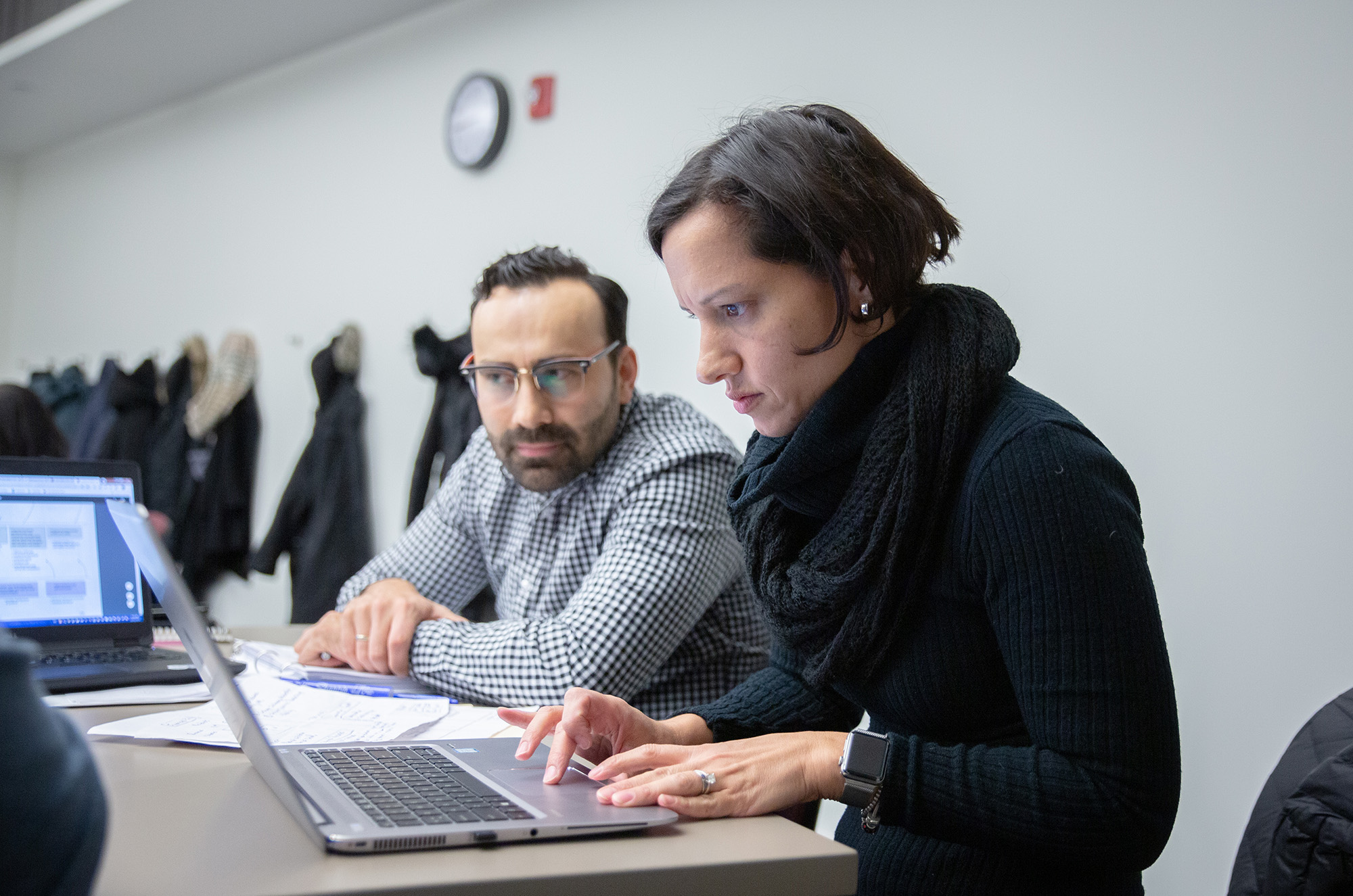
We offer consultations for Loyola鈥檚 teaching, learning, and research tools, as well as course-related technology innovation. Hours are subject to change throughout the year.

Technology Innovation
Request a Project
We provide project support for course tools, technology-enhanced solutions, digital content development, instructional design, and online surveys. Project requests are reviewed and approved on a first-come basis and contingent on resource availability.